Sunday, 9 March 2014

Blow Air Or Shake To Unlock (Lock Screen) In All Aandroid Mobile

How To get Canvas 4 Lock Screen In your mobile


here is the small guide for that.

Just download this application from 4Shared Or ZippyShare

Install Apk
Then Open and turn on the M!Lock


Then press Home And lock your mobile and see magic.

Note:-If you got update from playstore then do not update it.
And if it is not working in your mobile mean your mobile not support blow sensor.


For More Android Mobile Tweaks Join our Android Mobile Group At Here
If you got any error then you can Mail  me at dvl2dhaval@gmail.com
or add me on facebook at Dhaval Chauhan
Or chat with me on whatsapp:- 8460302393


Multi-Windows on any 4.0+ devices

How to install multi-windows in any android device by using xposed installer?


Download this archive first from 4Shared OR ZippyShare

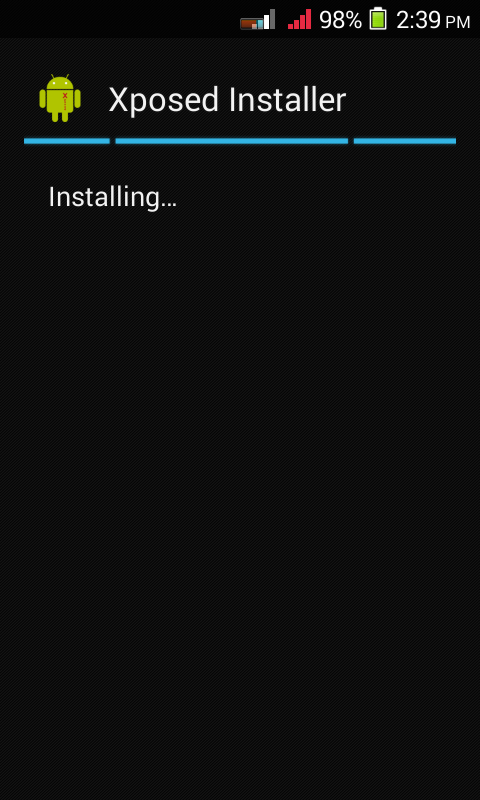
then extract archive and install xposed installer


Open and click on framework and  click on install/update and grant super user permission.


then reboot (Restart) mobile.


Then install xHalo

then you will get notification about module not active click on that notification and then active Xhalo module and then reboot mobile.

Or you can active it manually for that open xposed installer then click on Modules and mark on xHalo


then open Xhalo


and click on Popup Behavior and then click on show app in resents and then Force New Windows in halo


then click on Movable & Resizable and turn on 1st line


then click on tilebar setting and enable tilebar setting


then click on testing area and then click on launch xposed installer in halo


then exit from app and install floatifications and then install floatifications unlcoker and open it

wait for some time.


then you will got congratulations msg and then  uninstall floatification unlocker and open floatification app


click on next 12 time and then finish and then ok


now click on app notification and then click ok you will go in accessibility menu at there on floatifications and then again open floatification menu.


then click on app notification and then mark on all


now click on the pin image which is last second under every app.


then back and then click on setting and then click on last line launch apps in halo windows


then reboot your mobile.


Now you can see circles on screen

 click on them and then click on any app which you want to open in multi windows. You can see apps are open in multi windows.


Now enjoy multi-windows in your Android.


For More Android Mobile Tweaks Join our Android Mobile Group At Here
If you got any error then you can Mail  me at dvl2dhaval@gmail.com
or add me on facebook at Dhaval Chauhan
Or chat with me on whatsapp:- 8460302393

How To Play HD Games Without Lag?

How To Play HD Games or Keep more Ram free?


Tweak for play HD games without hang mobile


(it can drain your battery)

at first download RAM booster pro app from here

and then download ram manager pro from here (6.0.4)

and then setCPU from here (2.24)


now install all apps.

open ram booster


then click on setting and boost level aggressive


then click on auto boot setting and then click on boost automatically and make ram threshold 300 and boost interval 30 second


then click on clean catch setting and then click on auto clean and auto clean frequency 6 hours


now reboot mobile.


now open RAM manager pro and grant super user permission and then click on more free memory


then click on set on boot and then click on lock launcher in memory

then click on clean memory - yes and then clean drop caches -yes


then click on VM heap size and make it half and reboot mobile.


now open setCPU and grant permission and them click on recommend setting then drag MHz min to 1200 (Or maximum) and click on set on boot and then set governor as performance and then reboot mobile.


And when mobile Hang some time then click the ram booster icon on the top-center of your screen.


now play HD games without any error.


For More Tweaks Join our Facebook Group Here


Sunday, 23 February 2014

Best Mobile Lava iris 405

Lava iris 405 is the best mobile because it's price is only 6k


Specification Of lava iris 405


General
Sim Type:GSM+GSM
Dual Sim:Yes
Device Type:Smartphone
Release Date:May, 2013
Design
Dimensions:125 x 63.3 x 10.6 mm
Weight:130 g
Form Factor:Classic (Candybar)
Display
Type:Color TFT screen, 16M colors
Touch:Yes
Size:4 inches, 480 x 800 pixels
Memory
Internal:2 GB inbuilt, 512 MB RAM, 4 GB ROM
Card Slot:Yes, upto 32 GB
Connectivity
GPRS:Yes
EDGE:Yes
3G:Yes
Wifi:Yes, with wifi-hotspot
Bluetooth:Yes, v3.0
USB:Yes, microUSB
Extra
GPS:Yes
Sensors:Accelerometer
3.5mm Headphone Jack:Yes
Extra Features:Call Recording

Extra Specification of lava iris 405


This Mobile is MTK6577
It has powervr 540 GPU
It's default camera is 5 MP and it is upgradable to 8 MB :)
It's default android version is 4.1.2 and it is Upgradable to 4.2.2 :)
Lava iris 405 has more than 50 Roms


For Download Lava iris 405 Roms Click Here.


Games Which can run smoothly in iris 405

Game for lava iris 405 (Tested by me or my friends)


Asphalt 5, 6, 7, 8Modern Combat 3, 4
Gta 3Nova 3Dead EffectMass EffectVice cityFifa 14Dark AvengerTemple Run (All)Subway Surfer (All)

NFS Most WantedThor:The Dark WordDead Trigger 1, 2Clash Of ClansAngry Birds (All)Call Of Duty (All)Cut The RopeReal Racing 3And Much More Hd games can run smoothly on lava iris 405


For More Details You can join our group and ask any question about this device on FB at Lava Iris 405